Manage your Risco Security System from your Alexa-enabled device
By Hommax SmartSD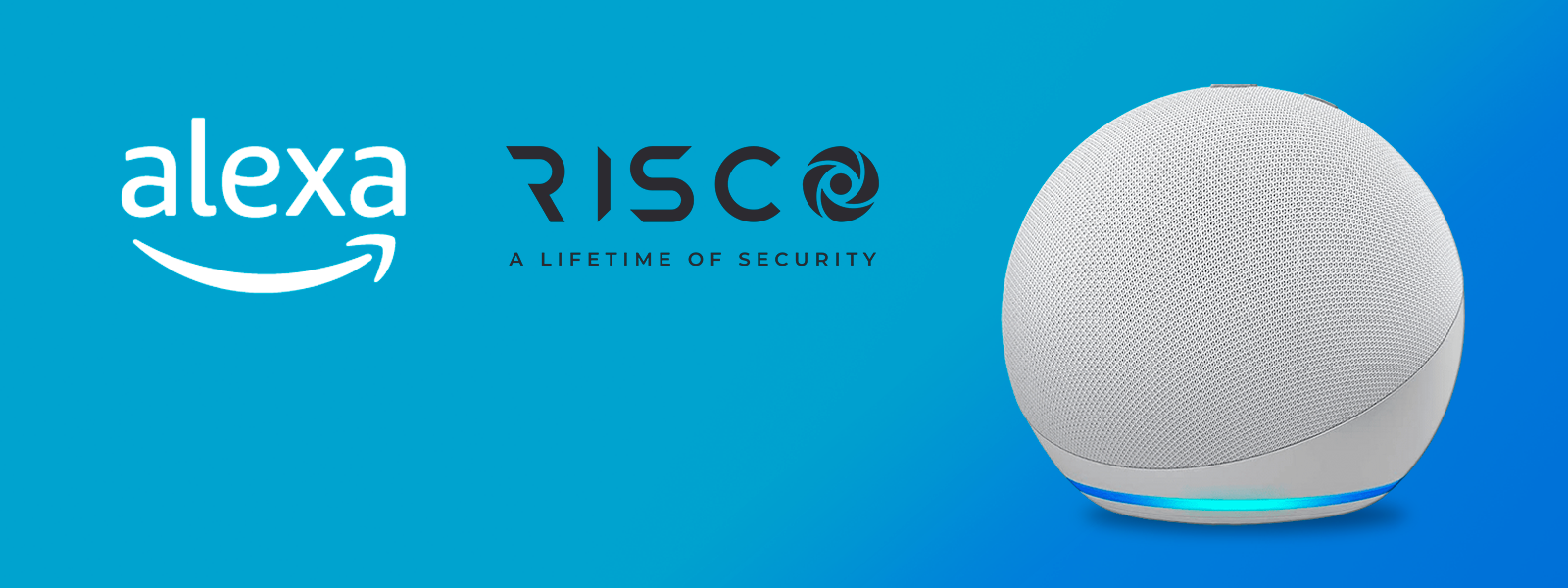
Amazon's new Alexa skill allows users to easily control and manage their RISCO security system with simple voice commands using any Alexa-enabled device.
Alexa, the voice assistant of the giant Amazon
Since 2021, Alexa has been one of the most popular virtual assistants in Europe, alongside Google Assistant and Apple's Siri. According to an eMarketer survey, Alexa has a market share of around 30% in Europe and is the most popular voice assistant in the UK and Germany. The use of voice assistants is growing rapidly in Europe, driven by the increasing popularity of smart speakers and other devices that integrate with virtual assistants through what are known as skills.
What is an Alexa skill?
Alexa skills are voice-controlled capabilities that you can enable, disable and customise. Users can order food, plan a holiday and send hands-free text messages, all with the sound of their voice. Third-party skills, such as the RISCO Home skill, allow users to operate their alarm system, using a list of pre-configured requests.
How to use the Alexa skill?
To use the RISCO Alexa skill, users simply enable Alexa on their device or in the Alexa mobile app and link it to their RISCO account. The skill is available for all RISCO cloud-based systems at no additional cost. The RISCO Alexa skill is called RISCO Home and is downloaded from the Amazon Skills Store: https://amzn.to/405i7Y6
Interaction of RISCO HOME with the Alexa skill
Interaction of RISCO HOME with the Alexa skill
The Alexa skill for RISCO allows users to:
1. full arming, individual partitioning and partial arming of their system.
2. Check the battery status of the panel.
3. Turn devices on and off.
4. Set values in the devices.
5. Increasing and decreasing values in the devices.
6. Get the battery status of the device... And much more.
You can interact with the RISCO HOME Alexa skill in two ways:
1. by opening the Alexa skill and saying ‘Alexa, open RISCO HOME’. After Alexa confirms that RISCO HOME has been opened, you can say any of the preconfigured commands/phrases.
2. Interacting directly with the commands/phrases by saying ‘Alexa, use RISCO HOME for [command/phrase]’ / ‘Alexa, ask RISCO HOME for [command/phrase]’.s.
If you want to know more about any of our RISCO solutions, you can contact our technical service on +34 96 159 46 46 (extension 2), we will be happy to help you.
Hommax, innovating to contribute to a safer world.